Lifecycle stage and lead status answer different questions. Lifecycle stage describes a contact or company's broad position in your marketing and sales process. Lead status gives sales a more detailed view of work on a qualified lead. When teams use one field as a substitute for the other, funnel reports and follow-up queues become hard to trust.
Define the stages in your own process
HubSpot's lifecycle-stage guide describes default stages such as Subscriber, Lead, Marketing Qualified Lead, Sales Qualified Lead, Opportunity, Customer, and Evangelist. These defaults are a starting point. Write down the evidence that moves a record into each stage and the person responsible for that decision. A form submission may create a Lead, but should not automatically mean the contact is sales qualified.
Use custom stages only when a real business transition does not fit the existing model. HubSpot's customization documentation explains how stages can be edited and notes that Super Admin permissions are required. Extra stages create reporting complexity, so agree on definitions before adding them.
Use lead status for sales work
Lead status helps a rep distinguish records that are new, being worked, connected, unqualified, or awaiting another step. Choose labels that map to an action and can be applied consistently. If a rep marks a lead unqualified, capture a reason. If the lead is qualified but not ready to buy, specify who will nurture it and when it should return to sales.
Do not confuse lead status with the separate lead object or deal stage. A contact can be an SQL while a deal is still in discovery. The fields serve different reporting and operating purposes.
Build eight alignment habits
First, keep a one-page definition for every lifecycle stage. Second, name an owner for the marketing-to-sales handoff. Third, decide what evidence makes an MQL acceptable to sales. Fourth, require a reason when sales rejects or returns a lead. Fifth, keep lead status options short and action-oriented. Sixth, define when automation may update a stage and when a person must decide. Seventh, review records that move backward or skip stages. Eighth, audit a sample each month with both marketing and sales.
These habits make the CRM explainable. A dashboard can then show how many leads were created, accepted, worked, converted to opportunities, or returned for nurture without silently mixing meanings.
Test automation and reporting together
HubSpot can set lifecycle stage automatically based on settings, associations, and connected apps, and supported workflows can update properties. Before turning on a rule, test a new contact, an existing customer, a duplicate, and a record associated with a company at a different stage. Automatic defaults generally move lifecycle stage forward; deliberate changes backward need special care. Record which rule changed a stage so the team can diagnose surprises.
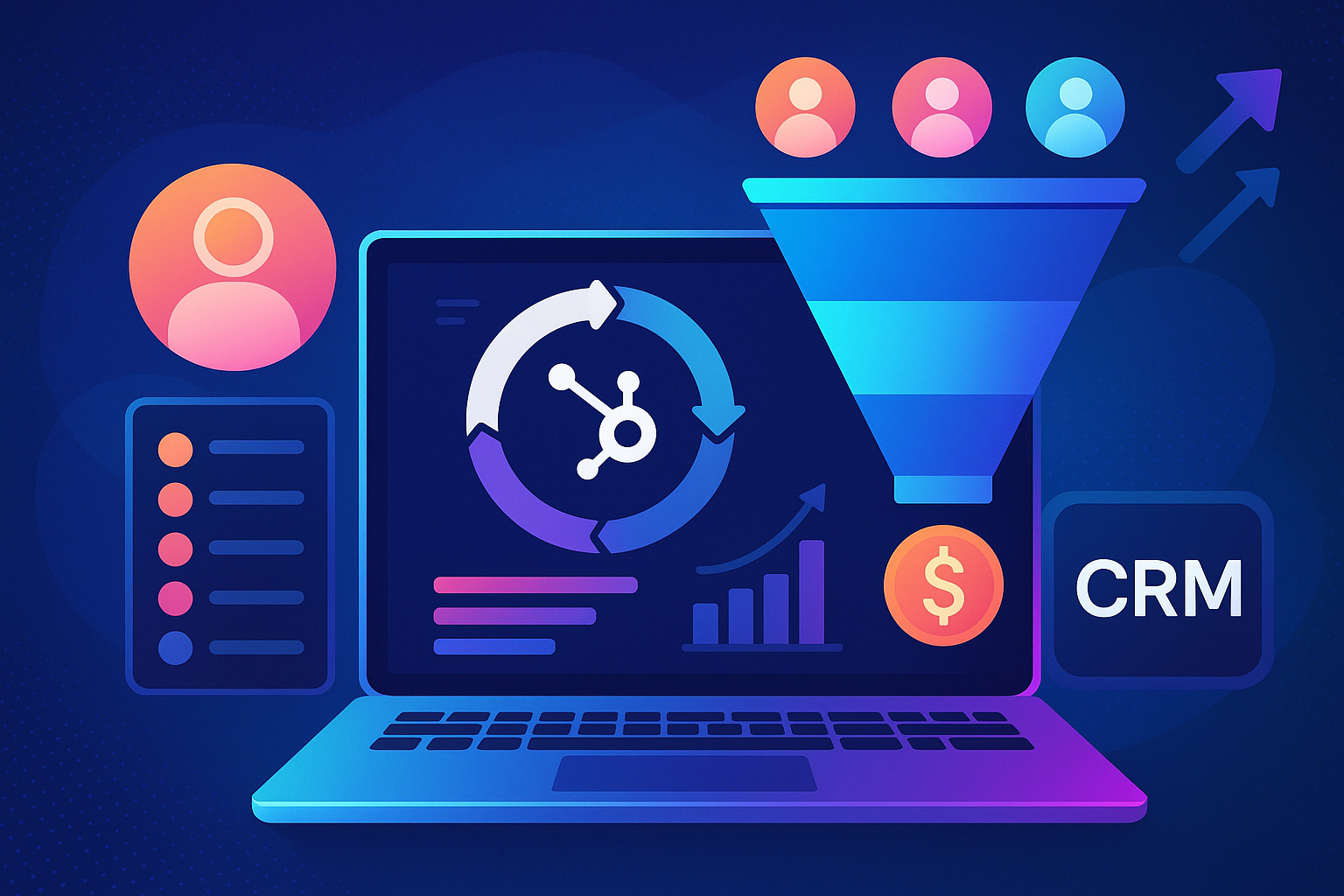
Build a simple funnel view that includes handoff counts and time in status. Inspect individual records behind unusual changes. If the numbers do not match the team's experience, fix definitions or source data before adding more charts. A reliable stage model is one that both teams can use in the same way every day.