The right Marketing Hub edition is the one that supports your actual campaigns, automation, reporting, and governance. A feature list alone will not tell you the total cost or whether your team can operate the system. Start with the work you need to do, then compare current entitlements and contact tiers in HubSpot's official pricing page.
Define your use cases before comparing tiers
List the campaigns you expect to run in the next year: capture leads, send segmented email, build nurture journeys, measure attribution, or manage several brands and teams. For each one, identify the owner, the data it requires, and the decision it should improve. A simple newsletter and form program has different needs from a multi-stage nurture operation with sales handoffs and revenue reporting.
Count contacts by intended use, not just database size. Identify people who need marketing email and those who should remain non-marketing contacts. HubSpot's marketing-contact guidance explains the distinction and how import and form behavior can change status. Clean lists and permission records before estimating a contact tier.
When Starter may fit
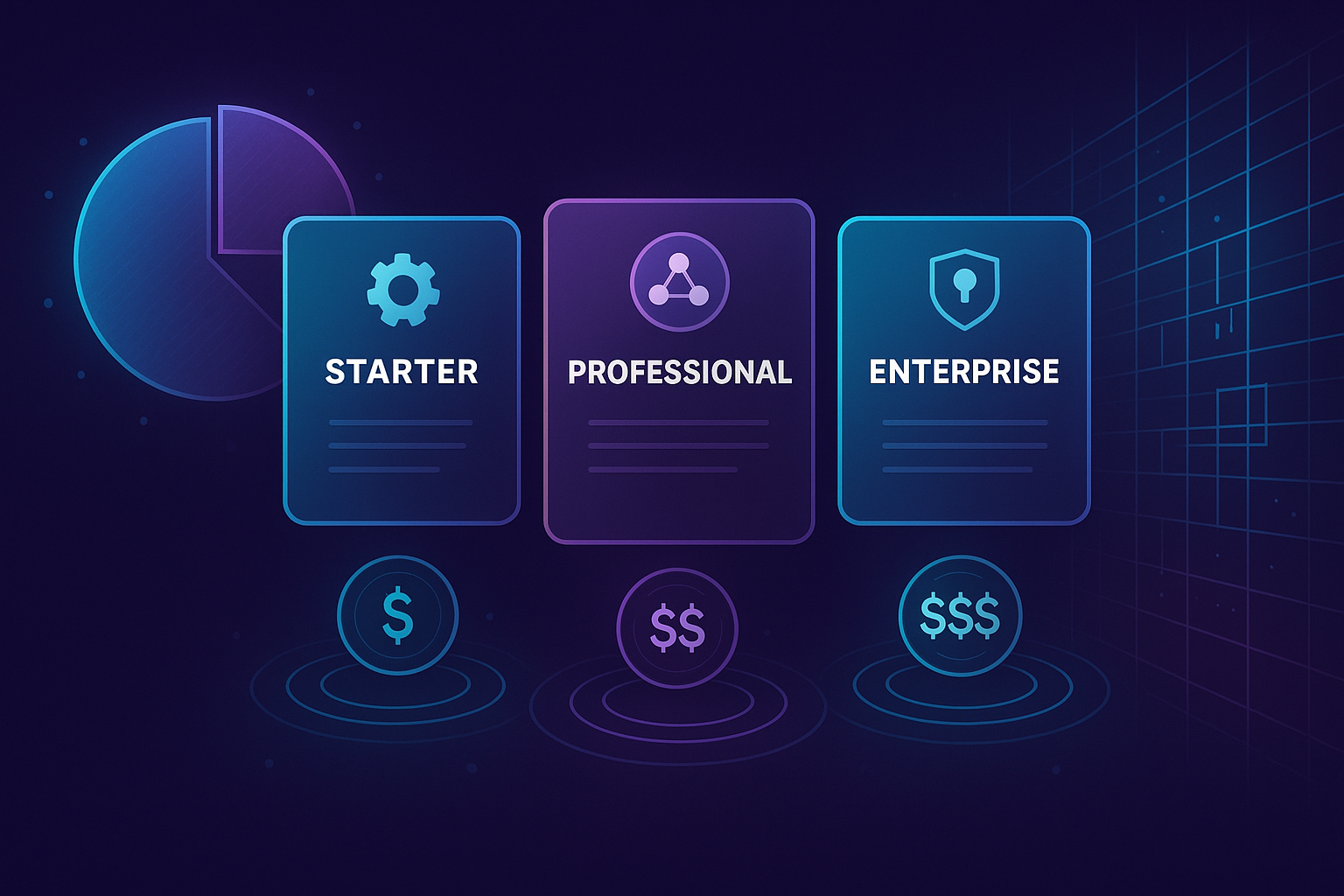
Starter can suit a small team that needs foundational marketing tools and a straightforward process. Check whether the exact forms, email limits, branding controls, and reporting you require are included in the current edition. If the team relies on complex branching, substantial automation, or specialized attribution, do not assume Starter covers those requirements. Test one real campaign in the product before committing.
When Professional may fit
Professional is a stronger candidate when a team needs a repeatable nurture program, coordinated campaign operations, and more sophisticated reporting. Map the journeys you plan to automate: what enrolls someone, what stops a message, how sales takes over, and what happens when data is missing. Confirm the current workflow and reporting entitlements rather than relying on an old comparison post. Extra capability creates value only when someone owns the data and ongoing maintenance.
When Enterprise may fit
Enterprise merits evaluation when scale, permissions, team structure, and governance are the limiting factors. Ask whether multiple business units, approval processes, data partitioning, or more complex administration are truly required. Document which requirement needs Enterprise and who will operate it. Buying an edition for one feature without a rollout plan can leave expensive capacity unused.
Compare the full operating cost
Request a current quote that includes the edition, marketing-contact tier, seats where applicable, onboarding or implementation, and any add-ons. Prices and packaging change; do not reuse a figure from a dated blog post as a purchasing estimate. Include the internal time needed to build forms, clean data, train users, and maintain automations. A lower subscription price does not help if the team must spend far more time working around missing capability.
Run a short decision test
Choose one representative campaign and one report. Test them in the editions under consideration, using realistic contact data and permissions. Confirm that the same person can build, approve, measure, and troubleshoot the workflow. Write down any missing features and the workarounds they would require. Then select the least complex edition that meets the next year of known needs, with a clear point at which to reassess.
The best choice is a plan the team can use well today and grow from deliberately, rather than the edition with the longest feature list.