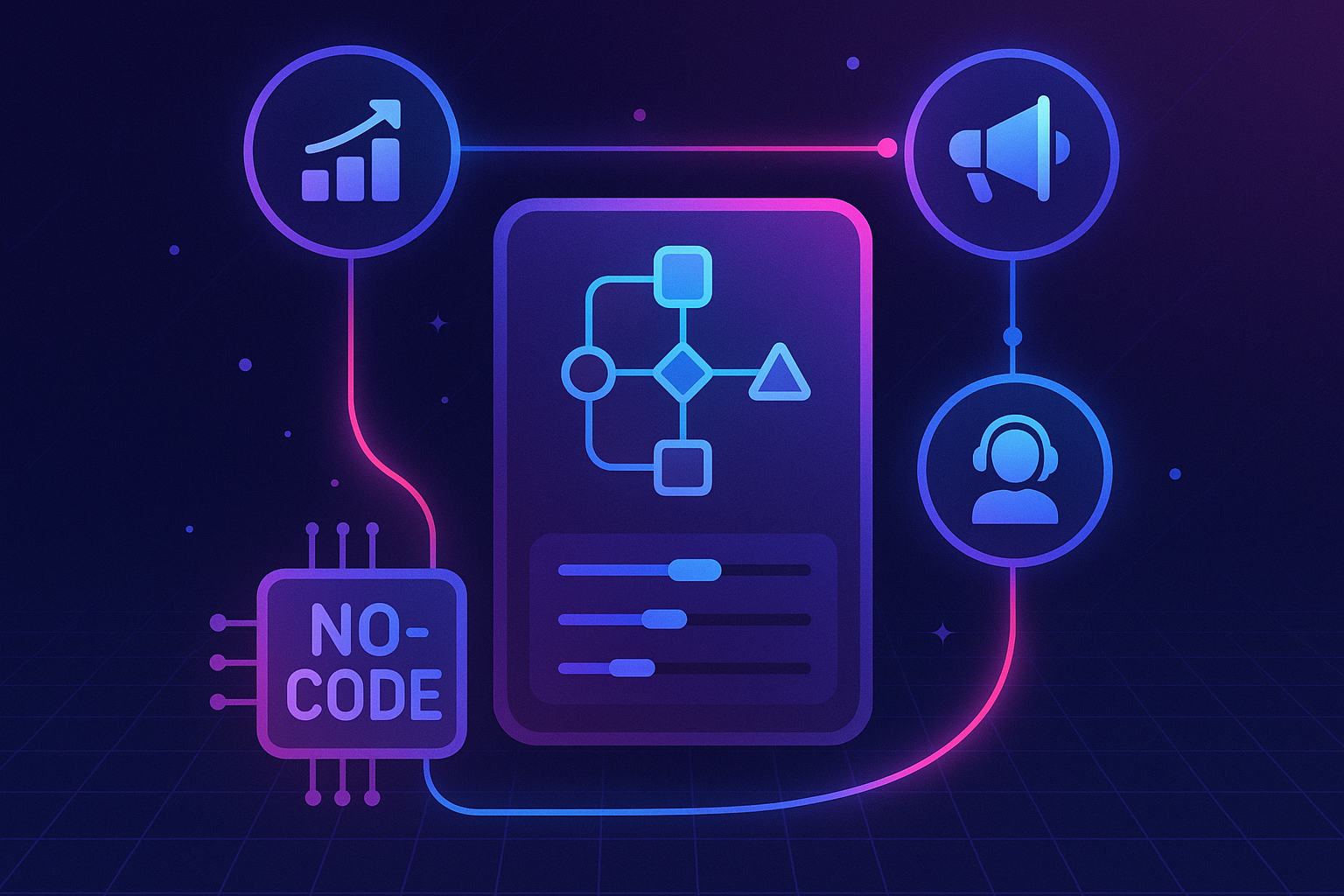
No-code automation can remove repetitive CRM work, but a growing collection of unowned automations can also multiply bad data. The useful question is not which tool has the most templates. It is which system should own the trigger, the customer record, and the failure response for a particular process.
Begin with a single, measurable handoff
Pick one workflow that regularly stalls: routing a qualified lead, reminding an account owner about a renewal, or updating a CRM field after an external event. Write down the trigger, the conditions, the intended record change, the owner, and the exception path. Establish a baseline such as handoff time or unassigned-record count. That gives you a way to tell whether automation improved the process.
If the trigger and action live inside HubSpot, start with HubSpot workflows. A native workflow keeps CRM context and execution history close to the records it changes. Check your subscription and user permissions before planning a particular workflow type or action. Build a test branch for incomplete records rather than silently enrolling everyone.
Use integrations for cross-system work
If the process crosses applications, compare three patterns. HubSpot data sync may suit supported apps when records need continuing one-way or two-way alignment. Zapier's HubSpot integration can connect a specific trigger in one app to an action in another. A webhook or custom integration can give a technical team more control when payloads, retries, or authentication are complex.
Do not choose based on the word “no-code” alone. Document which system wins if both sides edit the same field, how duplicates are detected, and where a failed run is visible. A one-time spreadsheet import is usually simpler than a permanent sync for historical data.
Test failure, not just success
Create a small test set: a clean record, a duplicate, a record with missing fields, and a record that should not enroll. Confirm that the automation changes only the intended records. Run it twice to see whether retries create duplicate tasks, contacts, or notifications. For cross-system processes, test an expired connection and a timeout. HubSpot's workflow webhook guide covers testing and rate controls for that pattern, with subscription requirements to check first.
Store the workflow name, purpose, owner, change date, and recovery instructions somewhere the team can find them. Review execution failures on a schedule. A human should own decisions that require judgment, such as a disputed lead assignment or a customer-risk escalation.
Keep the toolset small
Prefer the fewest systems that can reliably complete the process. Native workflows are a sensible starting point for CRM-native changes; supported sync is useful for shared records; a connector or custom integration is appropriate for a clearly bounded cross-app event. Retire redundant automations when a new route takes over. The goal is a handoff that is faster, explainable, and recoverable, not a larger automation inventory.